
5.1 KiB
| title | slug | date | tags | ||
|---|---|---|---|---|---|
| Building my homelab: installing CAT6A | /starting-my-homelab-installing-cat6A/ | 2026-01-02 |
|
Now that I am no longer renting, I am in a position to build my own "homelab". For those not in the know, a homelab is a computational environment in your home that you can use to run your own servers, networking equipment and services.
Here is an example cribbed from Reddit:

I already maintain a remote virtual private server which I have described in previous blog posts, but I have long wanted to maintain my own physical environment so I can learn more about system administration, run domestic automations and basically have fun.
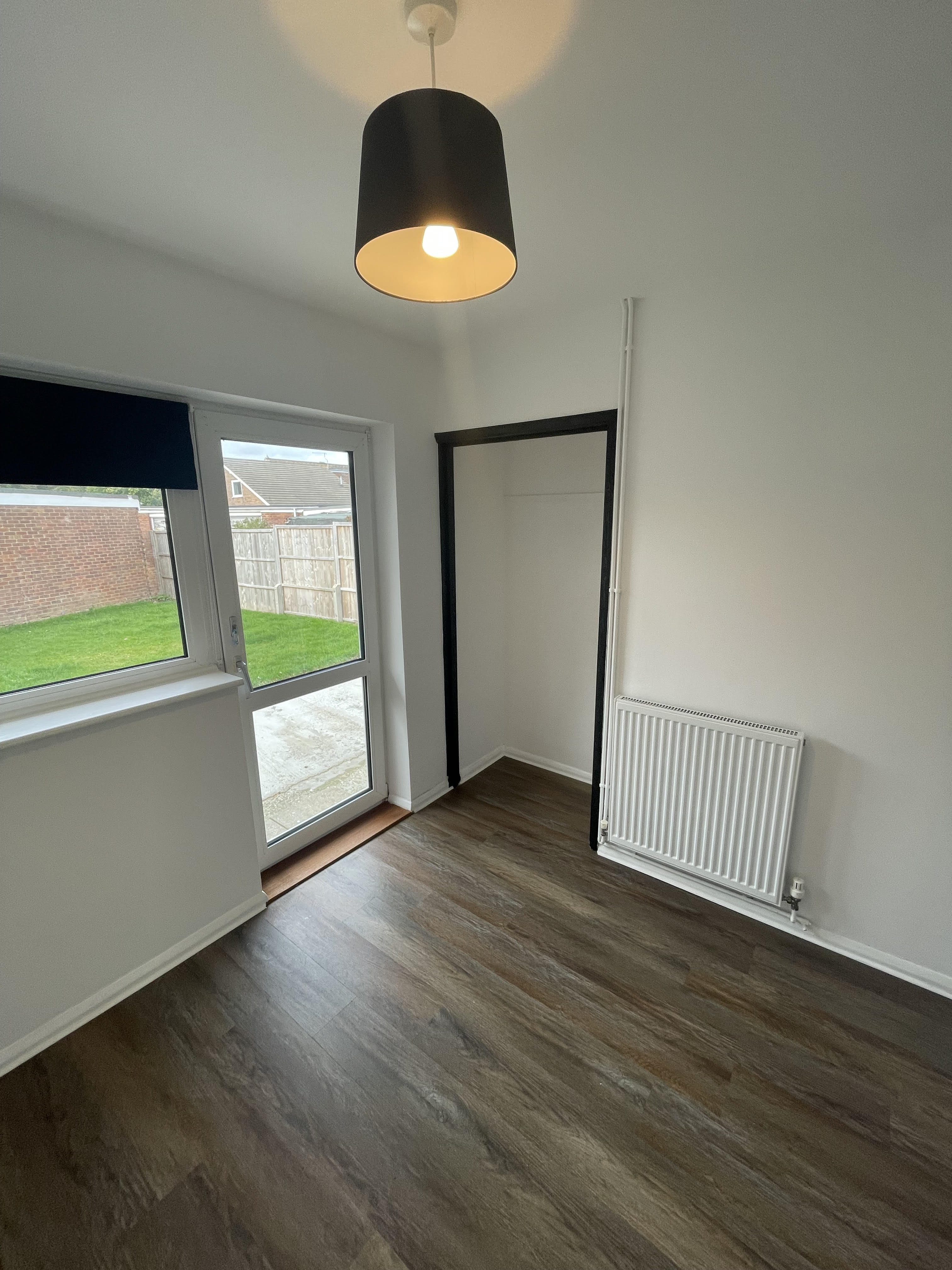
I've been laying the groundwork for this already. When I redecorated my office in the summer I deliberately stripped-out a recessed cupboard so that I could use the space for the homelab. Similarly, the router cabinet project was designed to eventually interface with the lab.
The main impediment, until now, was the lack of a direct Ethernet connection from the router in the lounge to the office. I knew that ultimately I would have to address this and had been putting it off.
I decided to use the Christmas break to do the necessary work. The most efficient and least-obstrusive way to get wired access to the router was run Ethernet from the lounge to the office via the loftspace.
I bought 25m of CAT6A (which allows for speeds of up to 10Gb/s) along with:
- keystone jacks and surface-mount boxes for the terminal points
- rounded conduit and fixtures
- flexible trunking (for bends)
Rather than use a single connection from the router to the homelab link switch, the more professional approach is to have a mounted outlet at each termination point and connect from these to the devices via patch cable.
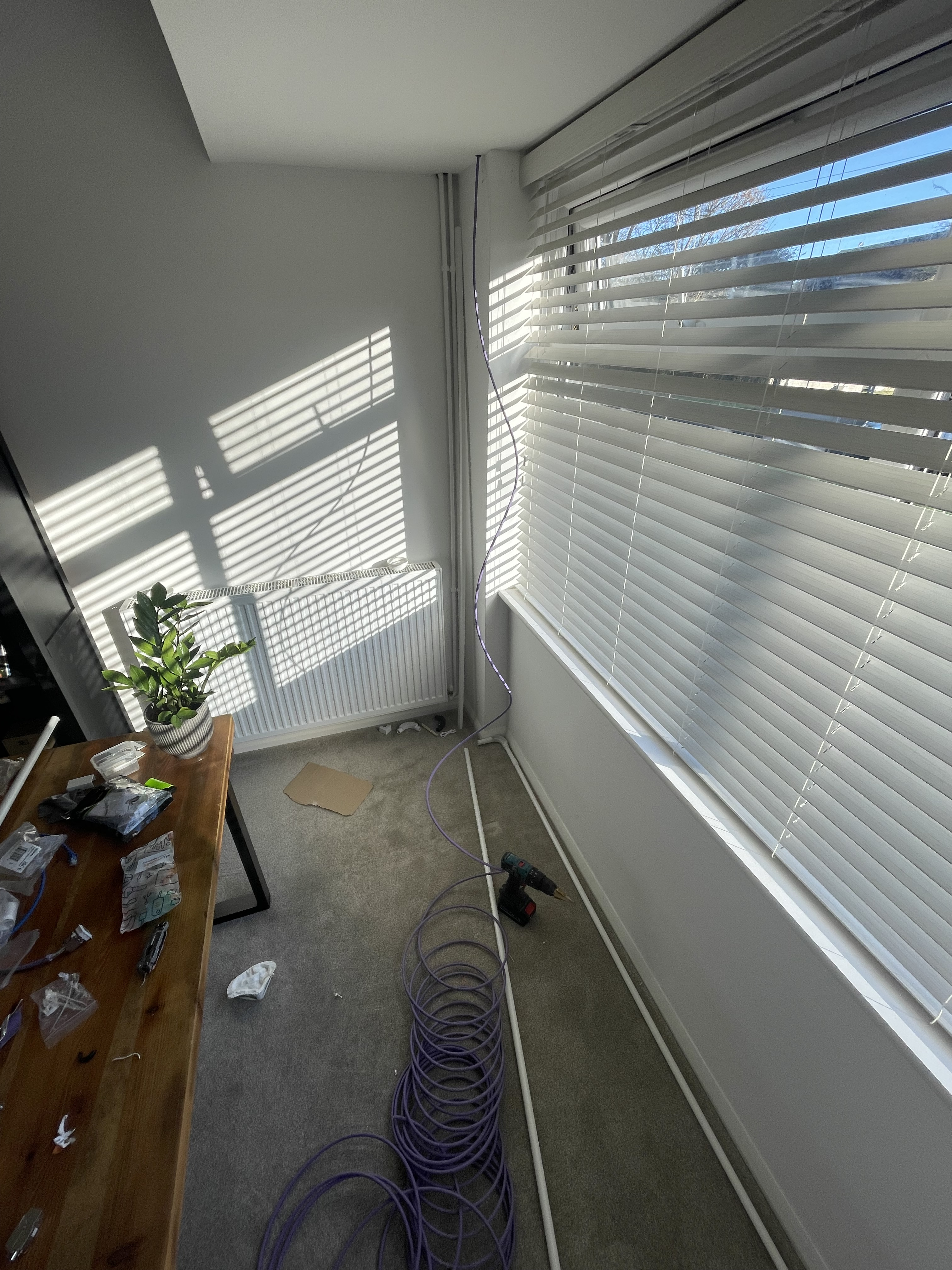
The first task was the scariest: drilling into the loft. I was careful to check for surrounding piping and mains cabling but it was still a bit nerve-racking. Luckily the holes went into the ceiling board fine. I inserted rubber grommits to stop the holes wearing away when the cable was fed through. I also made use of electrician's 'fishing rods' to feed the cable into the loft, through the ceiling and insulation.
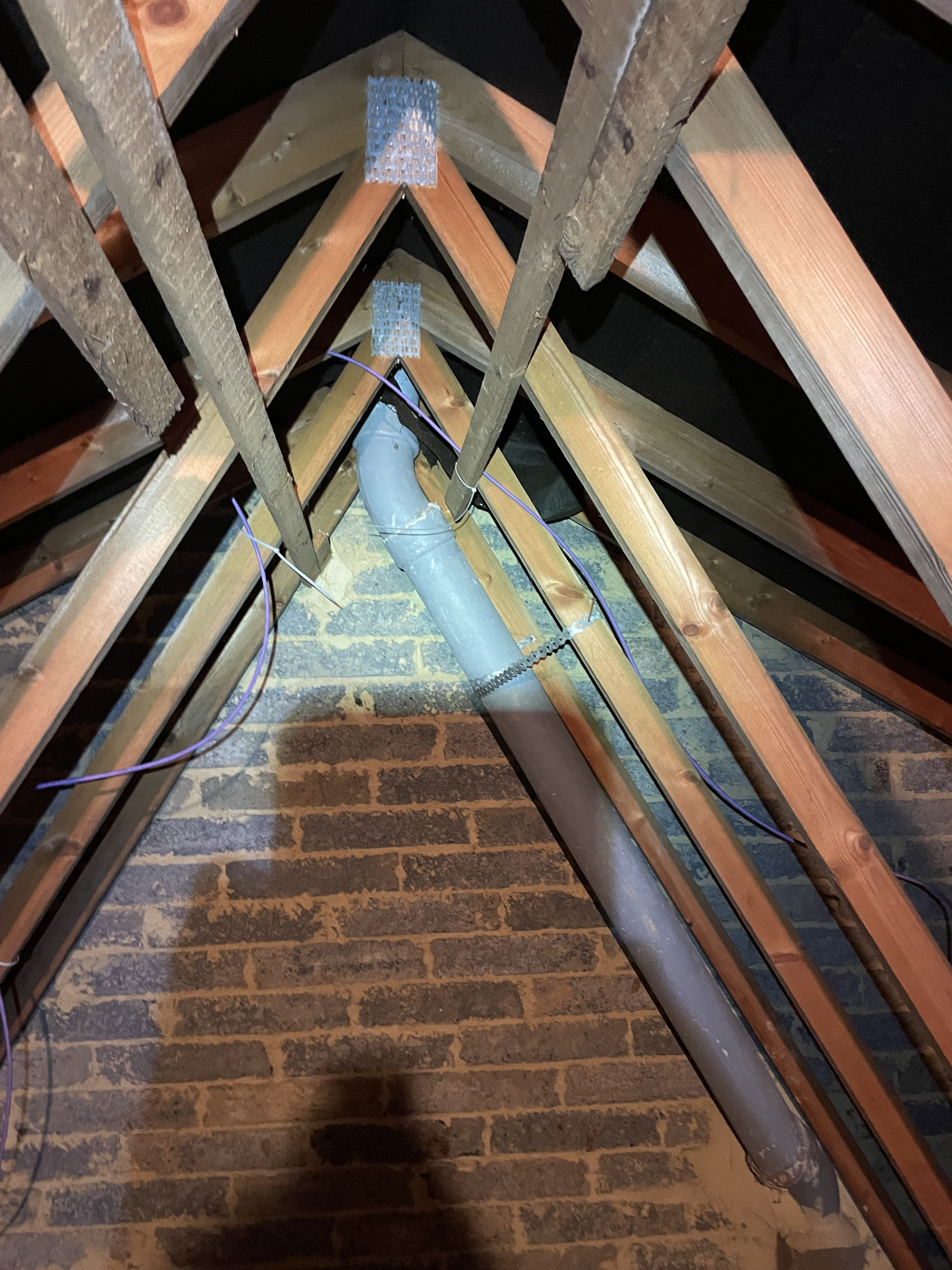

During testing and installation, I just used cable ties to fix the CAT6A to the loft beams when channeling the cable between the two outlets. I'll go back later (probably when I get round to boarding it properly) and use cable tacks as they are neater.
The work in the loft was the most arduous. I had to lie accross wobbly planks and handle fiberglass insulation. Even with gloves and long-sleeves this was really itchy.
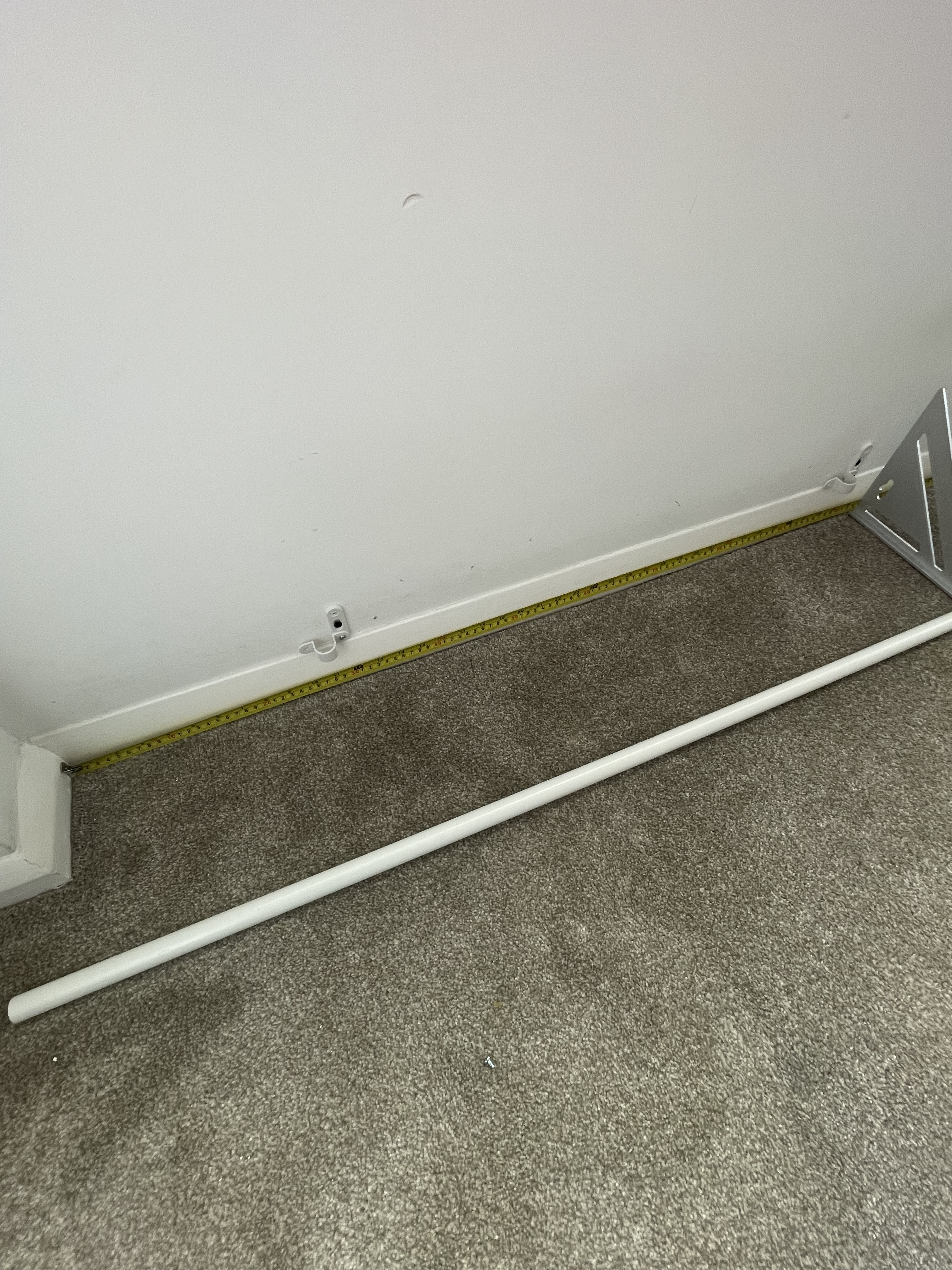
Once the cable had been laid, the next task was to try and hide it as much as possible in the downstairs rooms. I originally purchased standard flat conduit for this purpose but I realised that the 90 degree bends required would likely damage the cable over time. So I had a rethink and used fully-round conduit with more forgiving inspection bends. For the sharpest turn I just used bendable trunking and accepted that function would have to trump aesthetics.
The main learning curve was installing the keystone jacks. By using jacks I was able to avoid crimping the terminal points of the cable. This is quite a skill and as it was my first attempt, I knew I would probably mess it up and waste the cable in the process.
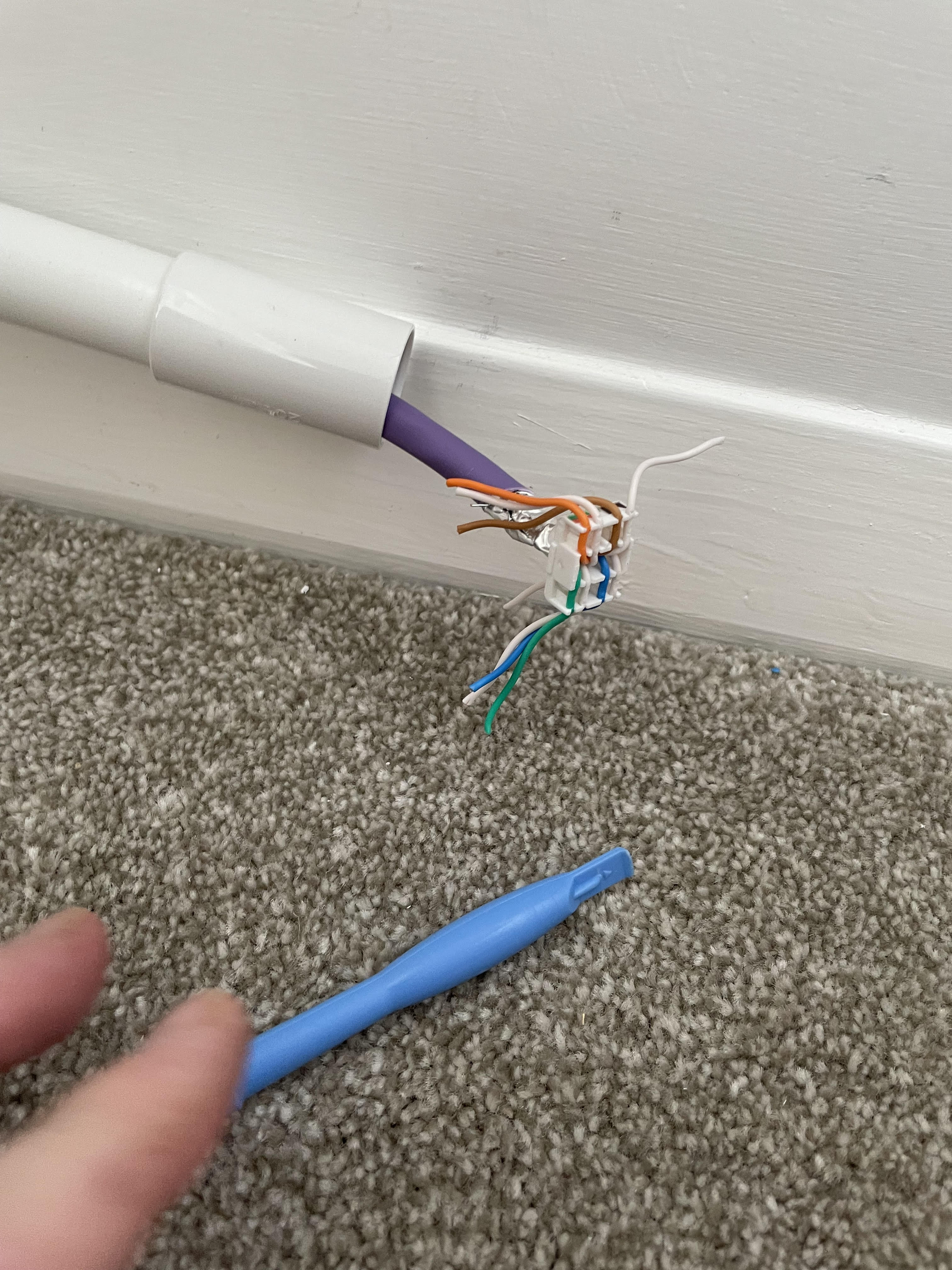
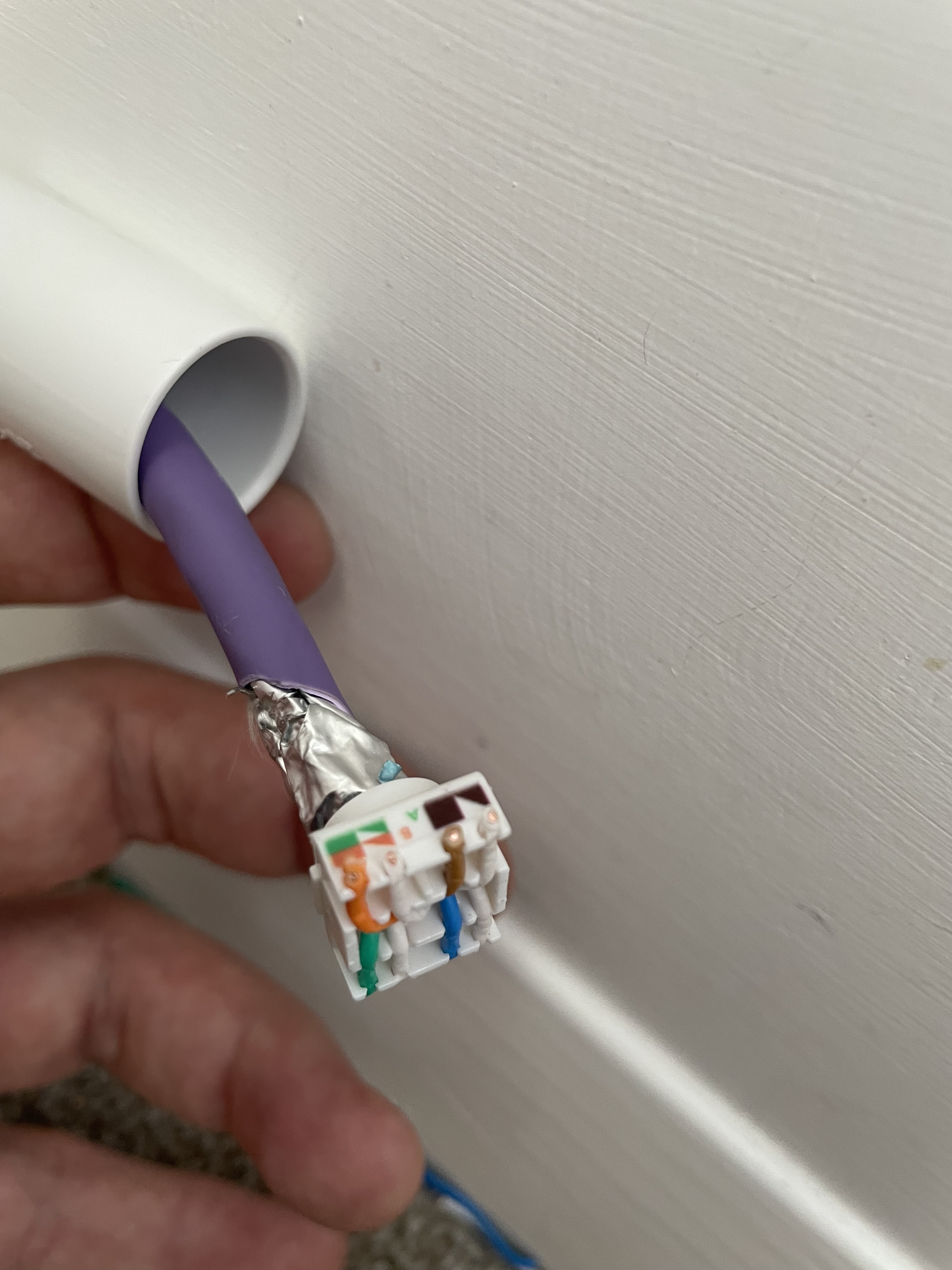
To use the jack, you strip the sheathing back and feed the four paired wires into a fixing plate which is then clamped down with pliers. The clamping cuts the wires for you and ensures the copper makes contact with the pins. I deliberately chose jacks with zinc shielding which earths the cable when it is in contact with the metallic wrappers of the individual wires.
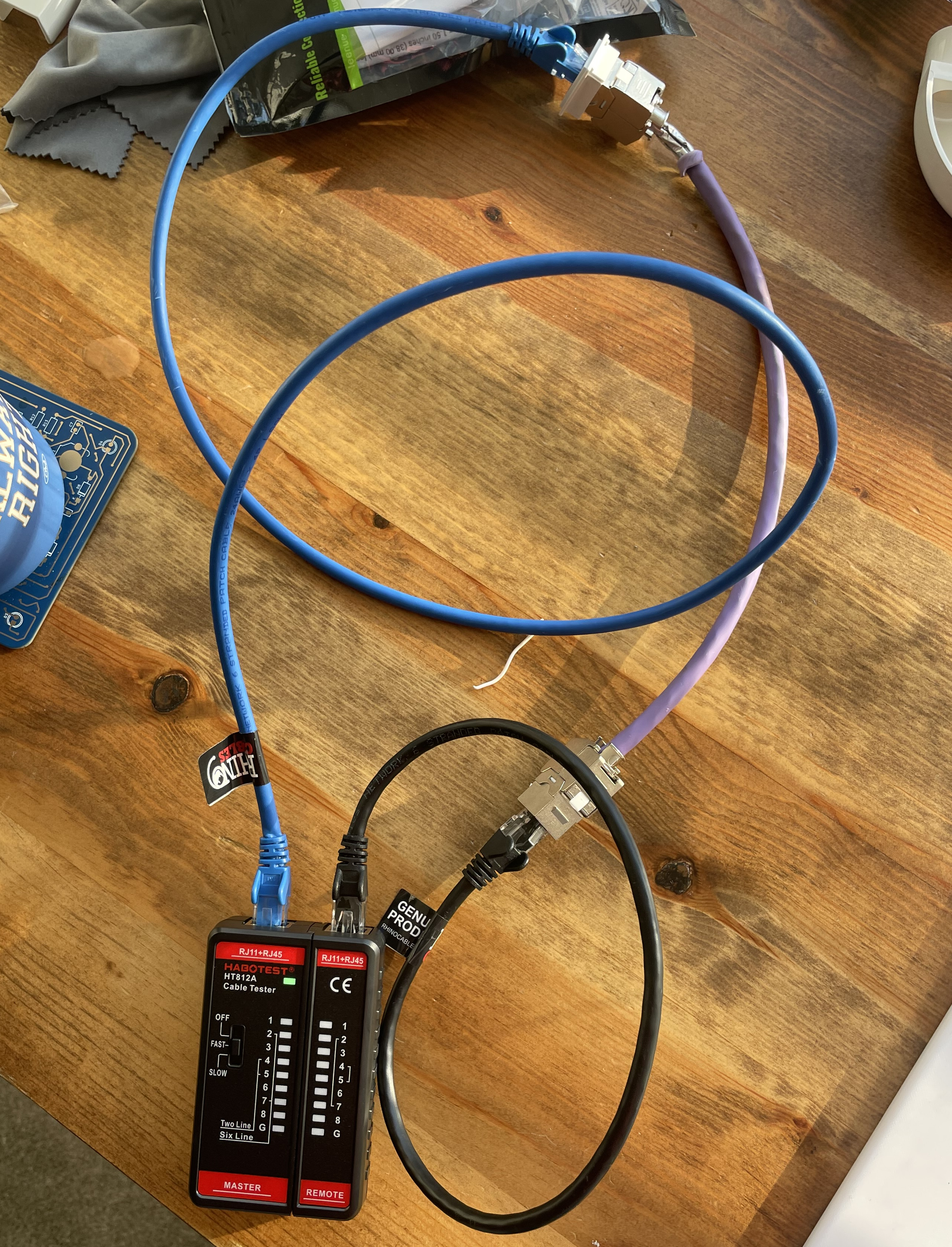
Before doing it for real I did several practice runs with cable offcuts. I also bought a basic RJ45 cable tester so that if I had made a mistake, I would know about it early on in the process.
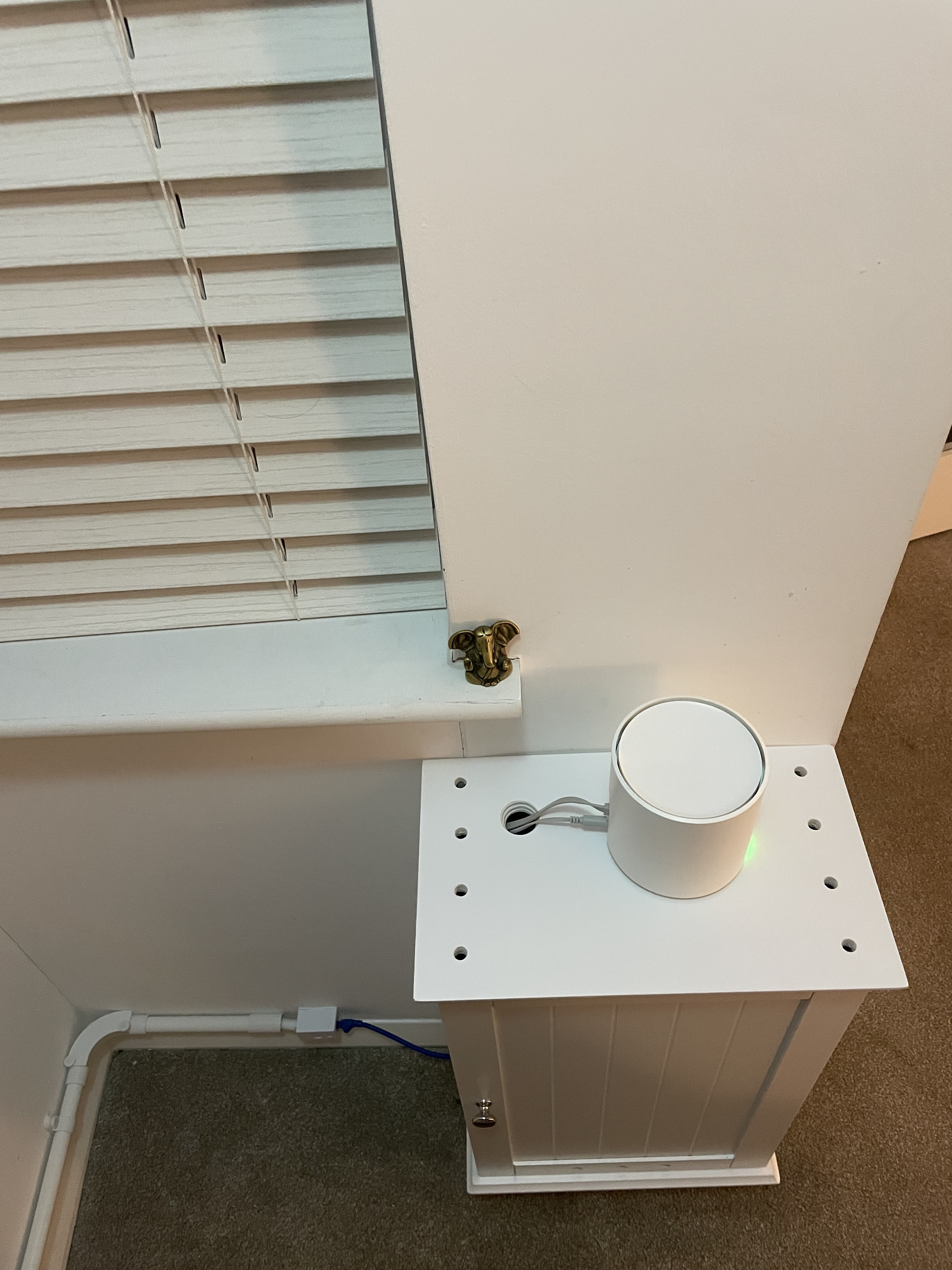
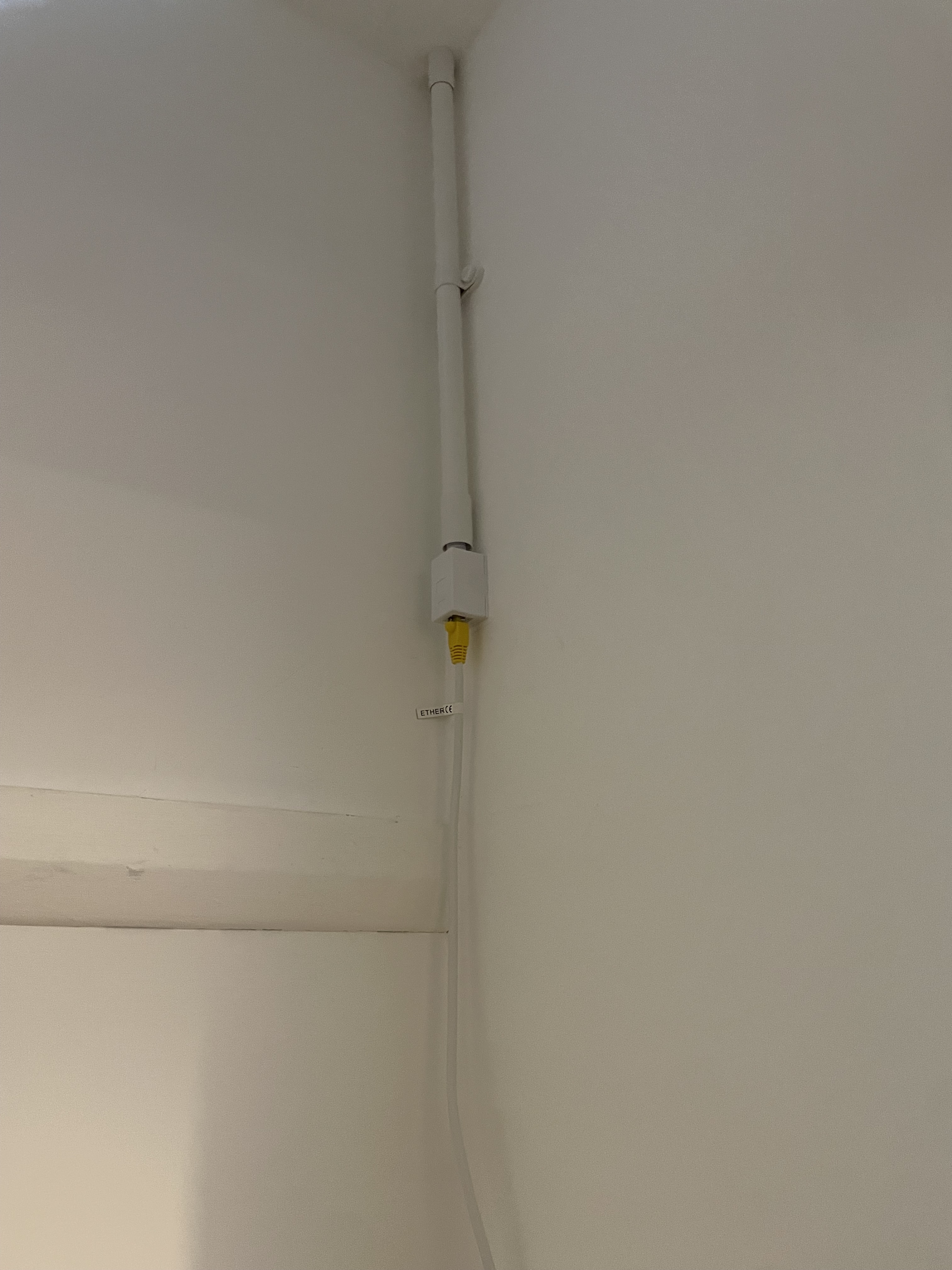
This paid off and by the time I did it for real, it was pretty straightforward. It was really gratifying at the end of the process to patch in from the office and record 1GB/s as a result of my hard work.
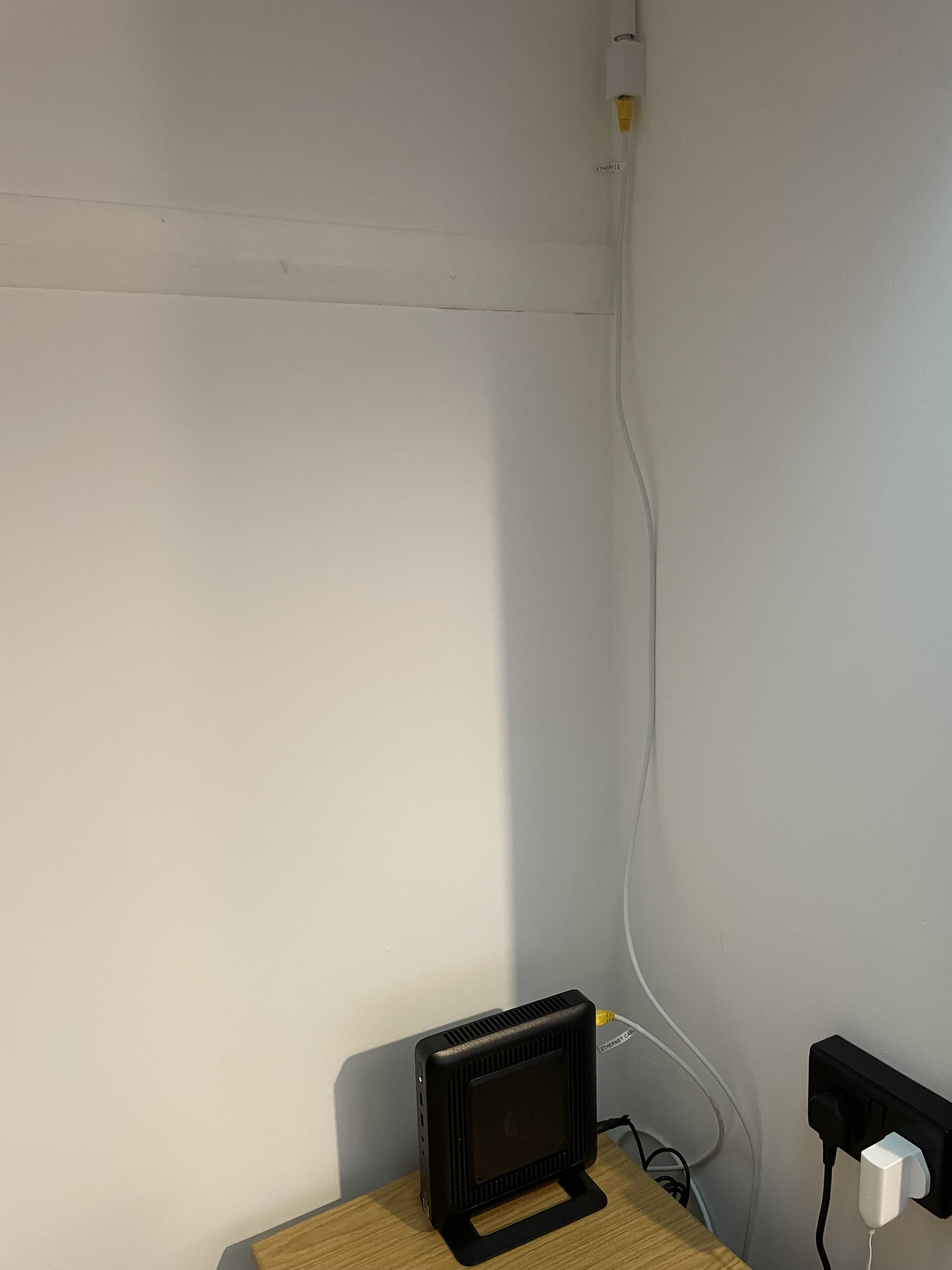
Right now I just have my HPT520 Thin-Client running on the new cable. This runs Pihole and an MQTT server. The next step will be to get a rack and switch unit and start building the actual lab!